


How to use an intercom with IP technologies and facial recognition
A few years ago, an intercom was perceived exclusively as a “tube on the wall” for communicating with a guest. Today, it is a full-fledged element of a smart home. SOYUZ Telecom intercom takes access control to the digital plane, combining cloud technologies, IP telephony and biometrics, while remaining intuitive for any user.
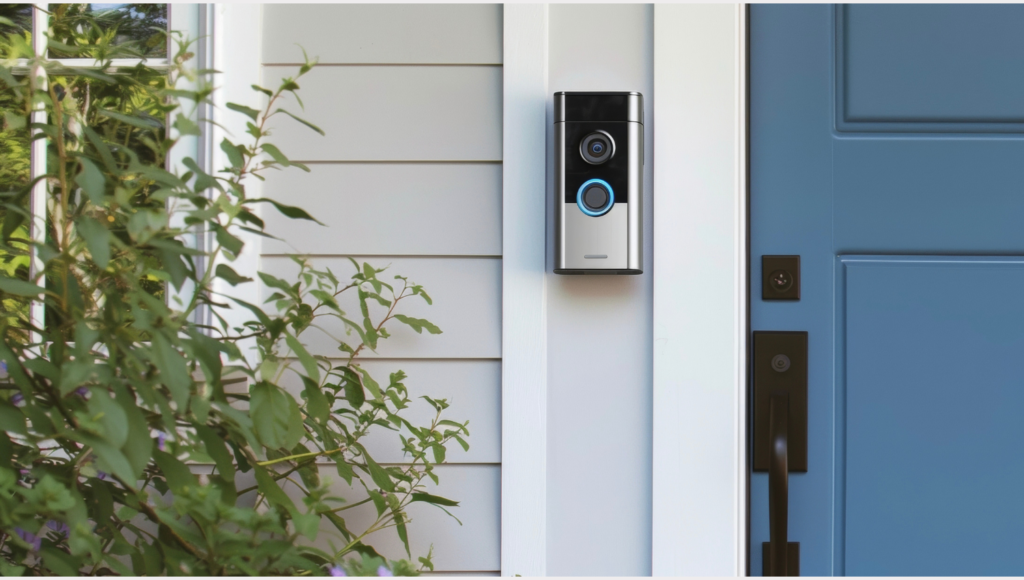
How the modern access ecosystem works
Unlike the analog systems of the previous generation, where the signal was transmitted over a “twisted pair” with huge losses, we use IP architecture. This turns each call panel into a full-fledged network computer.
Key technological features:
- SIP protocol – provides voice and video transmission according to Internet telephony standards, which guarantees communication stability;
- P2P connection (Peer-to-Peer) – the video stream is transmitted directly to your smartphone, minimizing delays (ping), which is important for comfortable communication with the visitor;
- Adaptive compression (H.264/H.265) – the system automatically adjusts video quality to your internet speed (from 3G to high-speed Wi-Fi).
How to use the intercom using a mobile app
The app is your command center. Let’s take a step-by-step look at how to effectively manage access.
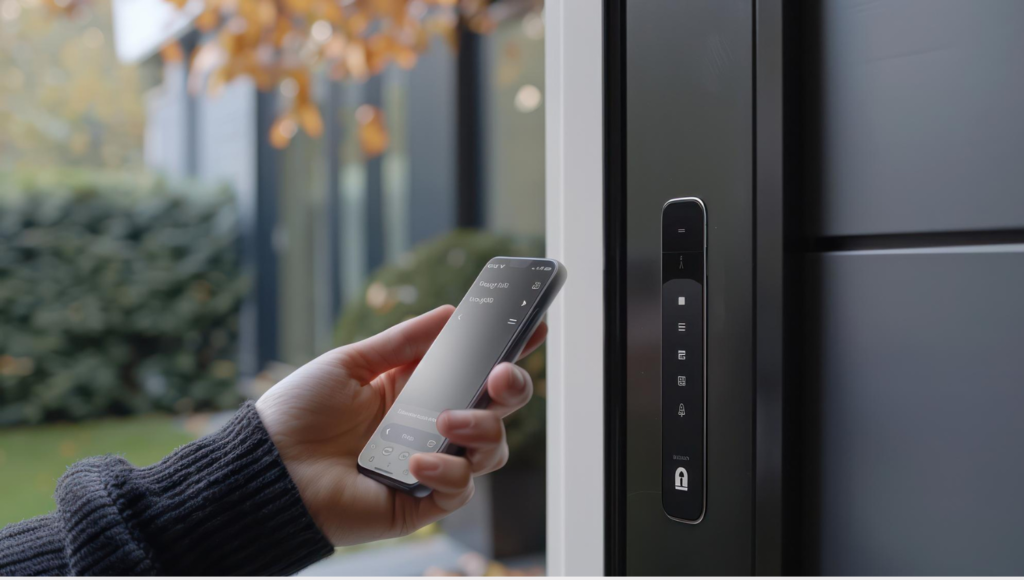
Call algorithm
When a visitor clicks the button on the panel below:
- A push notification arrives on your screen. If your phone is locked, you’ll see a widget with reply buttons.
- By clicking “Reply”, you activate the video stream.
- By pressing the “Key” icon, you send a command to the door controller. You will hear a confirmation and the door will be unlocked for the programmed time.
Working with event history
Each call is a log entry. This is useful for security monitoring. The system automatically saves a snapshot of each visitor who pressed the button. Even if you did not answer, you will see in the archive who came to you and how many times. The program allows you to filter events by date or type (missed/received call), which helps in case of controversial situations (for example, if someone claims to have come, but you were not at home).
How to use the intercom to enter
A regular key is now just one of the tools. The modern system supports multiple levels of identification, which significantly increases the security of the residential complex.
How to use Face ID
To make biometrics work instantly, follow these simple rules:
- The optimal distance to the panel is 50-80 cm. The system recognizes faces in motion, so you don’t need to freeze in front of the panel, just look at it when approaching.
- The camera has a wide angle. If the panel is installed slightly above eye level, try not to tilt your head too much, the system needs key points of the face (eyes, nose, lips).
- What if Face ID doesn’t work? Don’t pull the door handle. Make sure your face isn’t covered (glasses, a hood, a scarf). If the problem persists, contact support.
Using a smartphone as a key
This is the most modern method. How to set it up and use it:
- In the “Devices” section of the application, enable the “Mobile Key” (or “Bluetooth key”) function.
- You can set the detection range. We recommend starting with 2 meters.
- You don’t need to open the app. Just turn on Bluetooth on your phone. The panel constantly polls the airwaves, and as soon as your phone “gets” within range, the door unlocks. This frees up your hands if you’re carrying groceries.
Managing guest access
You can control access even when you are on vacation. Select “Guest access” -> “Create QR”. Set the activity time (for example, “for 2 hours today”). The guest simply shows the screen of their phone to the camera. The panel “reads” the code and opens the lock. This eliminates the need to transfer physical keys, which can then be lost or copied. If the guest does not want to use the application, give them a 4-digit code. This is convenient for repairmen or cleaning. You will know that the door is opened precisely with your guest code.
Important nuances of operation and safety
Despite its high technological sophistication, the system remains part of the physical infrastructure of the building. To ensure its long-term service, it is important to follow a few rules:
- The door closer is a critical component. Do not prop the door up or prevent it from closing on its own. If the closer is not working properly (the door is “hitting” or not reaching the lock), this may cause the controller to fail.
- Use only a soft microfiber cloth to clean the sensors. Harsh chemicals or hard sponges will damage the protective layer (oleophobic coating) on the cameras and panel screens.
- If notifications are delayed, check the background activity settings of the app in Android or iOS. Aggressive power saving modes can “sleep” the communication channel.
Integration with elevator equipment
One of the most convenient features is the integration of intercom with elevator equipment. This turns the process of returning home into a comfortable journey.
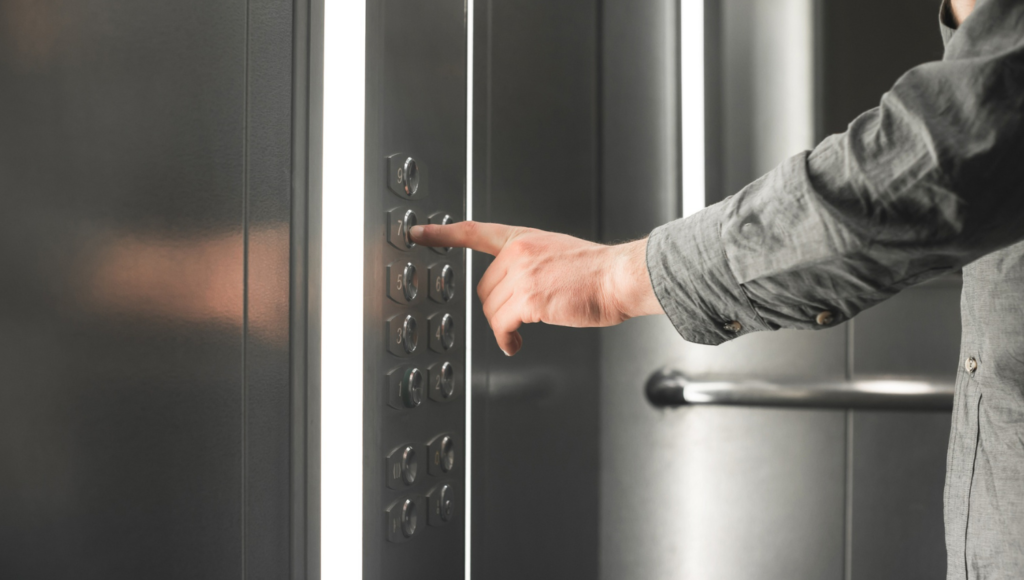
How it works
When you are identified at the entrance call panel (for example, using Face ID or by raising your smartphone), the system instantly transmits data to the elevator group controller. Access to floors is clearly regulated. The elevator will not take a person to a floor to which he does not have access rights. Your home becomes a truly “smart” building, where technology works to anticipate your needs.
Digital security and protection against hacking
Since the intercom is the “entry point” to your local network, cybersecurity is given increased attention.
Anti-Spoofing
Akuvox panels have built-in protection against attempts to replace biometric data. If an attacker tries to use a high-quality photo or video of your face, the system will instantly recognize the fake and send an alarm to the monitoring service.
Cloud encrypted archive
All video recordings are stored not on the local memory card on the panel (which can be removed with the device), but on a secure server. Even if the panel is physically destroyed, the recording of the moment of the crime will remain.
Answers to frequently asked questions (FAQ)
| Situation | How to decide? |
| No video during a call | Check your Wi-Fi/4G connection. Restart the app. |
| The intercom is “silent” during a call | Check the Do Not Disturb settings in the app and in your smartphone’s OS. |
| The door opens once. | Most likely, the problem is in the closer (the door “springs” back). Call a technician. |
| I want to change my phone | Just download the app and log in with your username. |
Operation and maintenance of the panel
Users often forget that the intercom is a full-fledged mini-computer, protected by a case. Never use window cleaners or household chemicals. They can wash off the oleophobic layer from the screen. Use a dry microfiber. If there is severe contamination, you can use a damp cloth. Do not try to repair the panel yourself, if it is stained with paint or scratched, contact a specialist.
When to call support?
- System errors, for example, if the panel “hangs” (black or one indicator is lit).
- Sync error: If your visitors’ photos don’t appear in the event history.
- If the lock “clicks” but the door does not move, or the lock does not close at all.
- If you need to add rights for new family members or temporarily restrict access for a tenant.
Important: Remember that the network architecture is a single whole. If one user “loops” the cable in the apartment, this can lead to a failure in the entire entrance. Therefore, any work on reconnecting monitors or cables inside the apartment must be coordinated with engineers.